EU Chat · Features
What moves work forward.
One place for the conversation and its context.
01 · Feature in focus
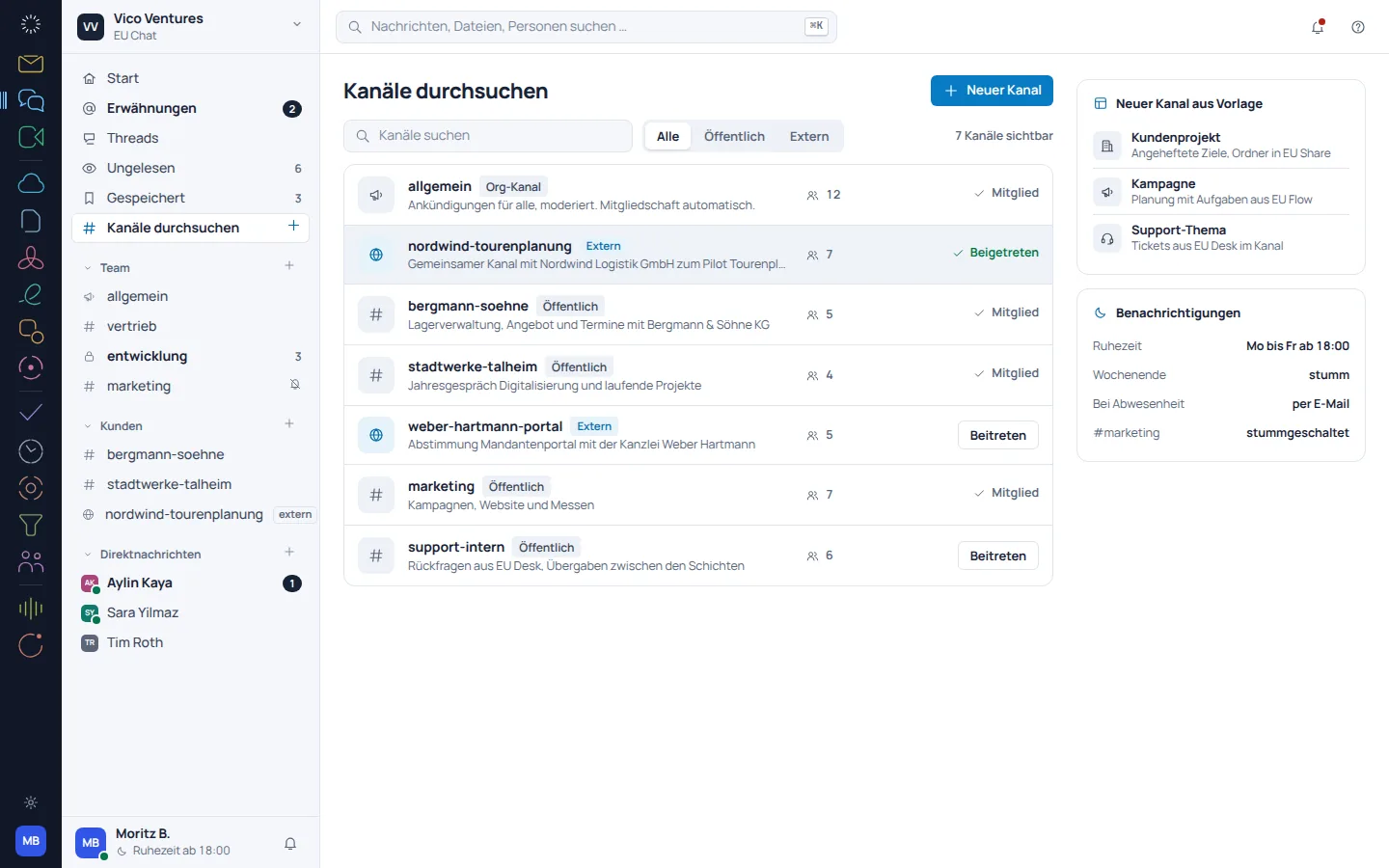
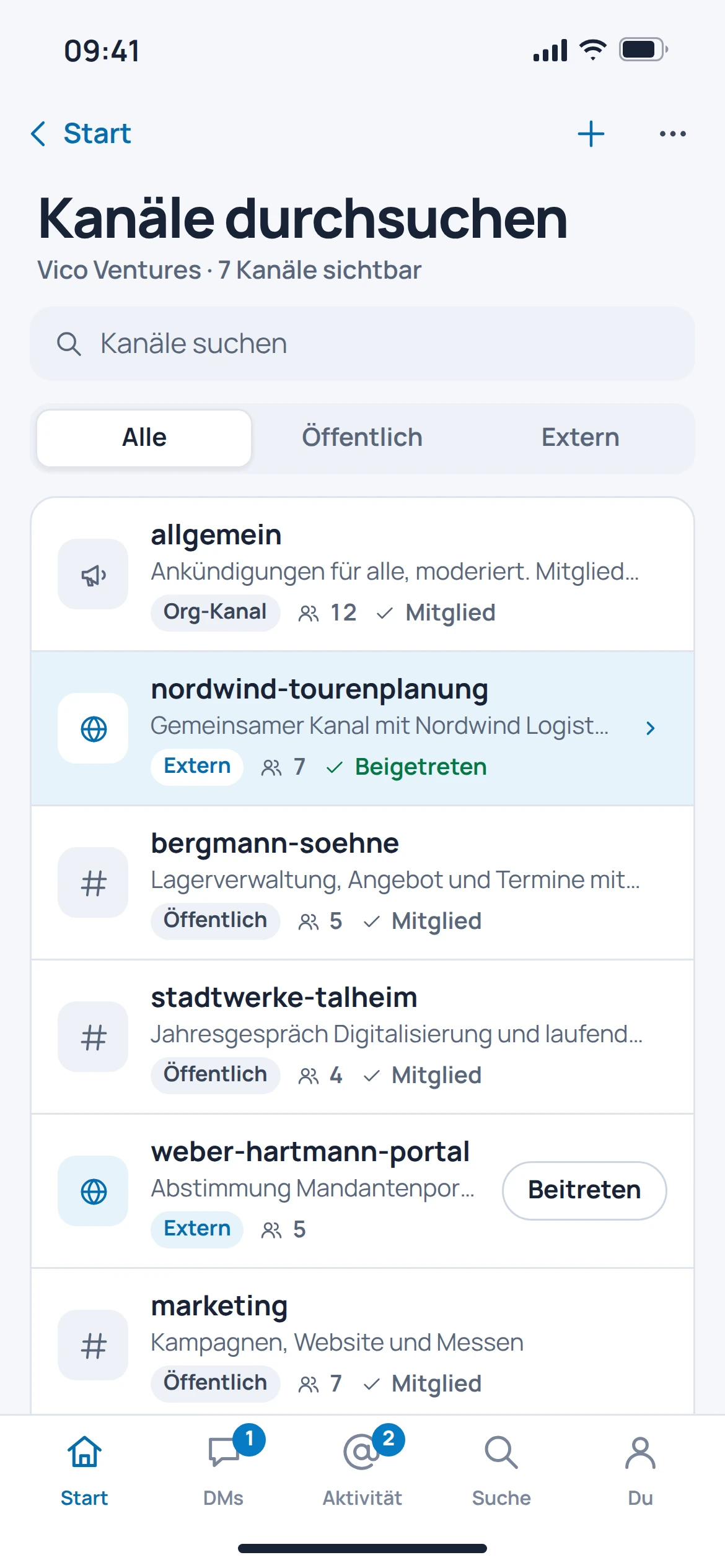
A channel for the shared topic.
Project conversations get their own space. Thread replies keep a detailed question together without overwhelming the entire channel.
- Channels for teams and projects
- Replies in the relevant thread
- Direct messages for personal exchanges
02 · Feature in focus
The answer is already in the conversation history.
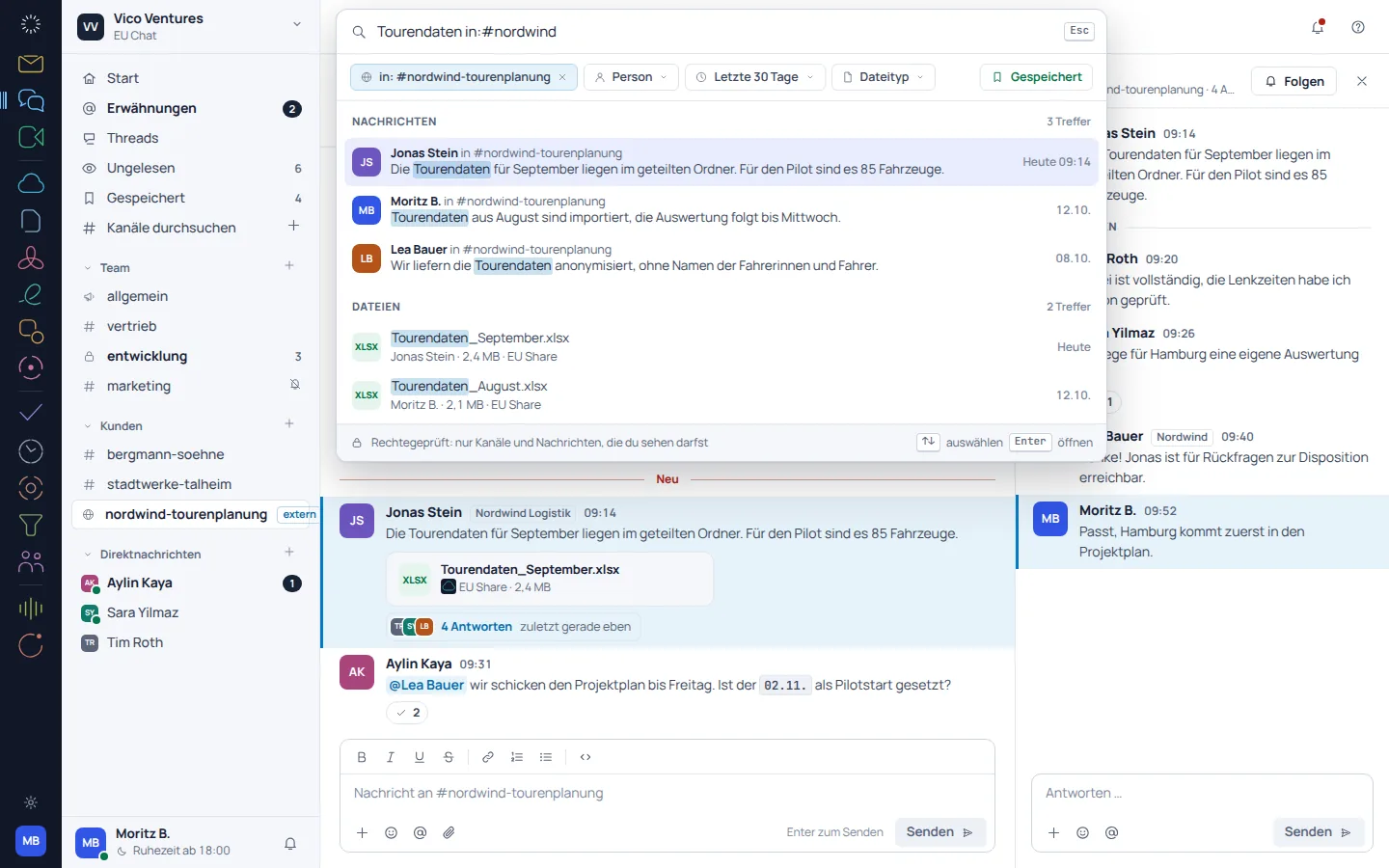
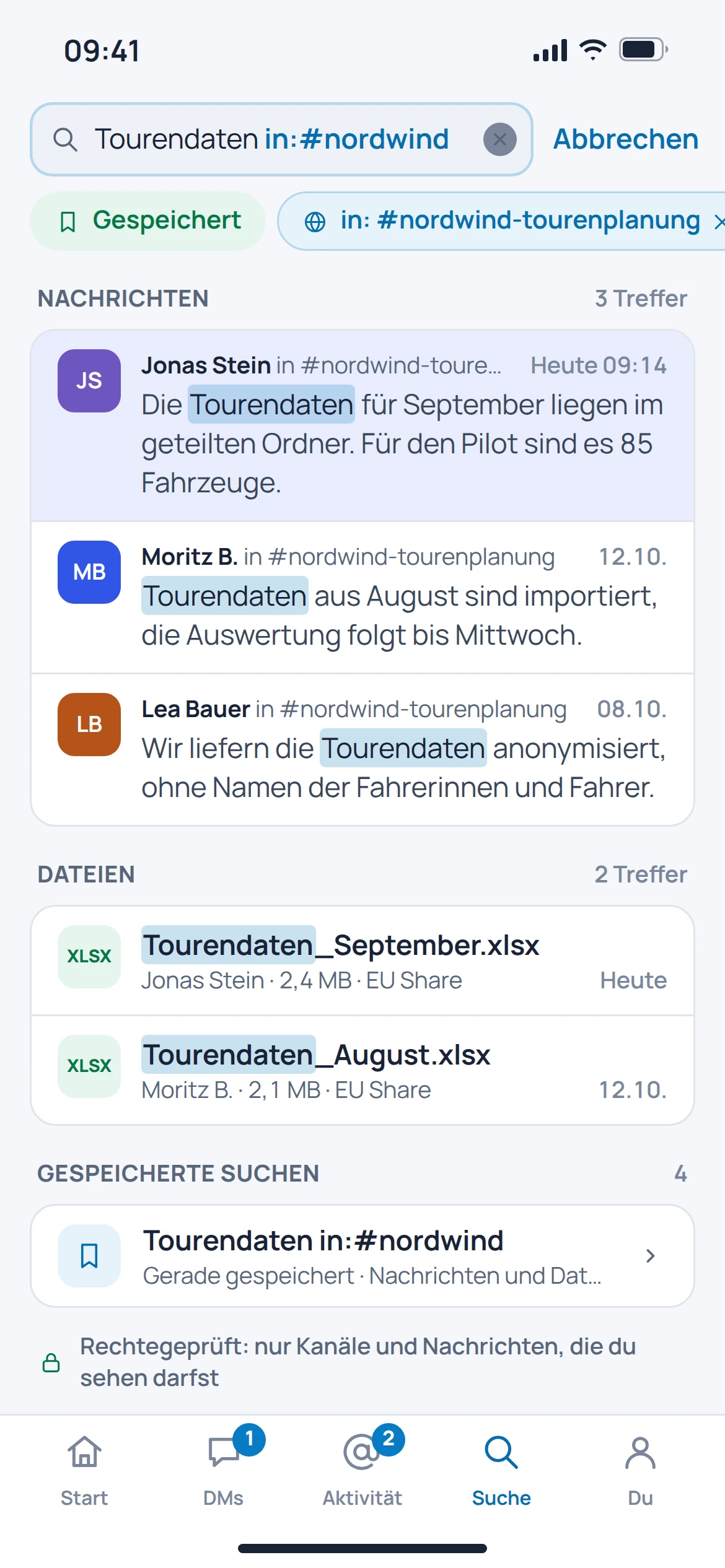
Instead of asking the same question again, you can search the existing conversation history. The catalogued search view filters results by person, file, channel and time period.
- Find messages and files again
- Filter results by channel
- Take the time period and people involved into account
03 · Feature in focus
Organise your workspace deliberately.
Members, access and conversation history are part of the shared working environment. The administration view brings together the settings and records provided for this purpose.
- Manage workspace and members
- Export in the administration area
- Access log in the categorised view
Before getting started
Good to know.
When should I use a thread?
When a reply relates to a specific message. The context is preserved while other topics continue in the channel.
Can I find old decisions again?
The documented search covers messages and files. The search view offers filters by person, channel and period.
Can I import my entire Slack history straight away?
Automatic imports from other providers are in preparation. Planning an export does not mean that a migration is already available.
Are tasks created automatically from messages?
Connections to other Suite products are planned. This page does not promise that automatic task creation is a consistently available feature.