Project teams
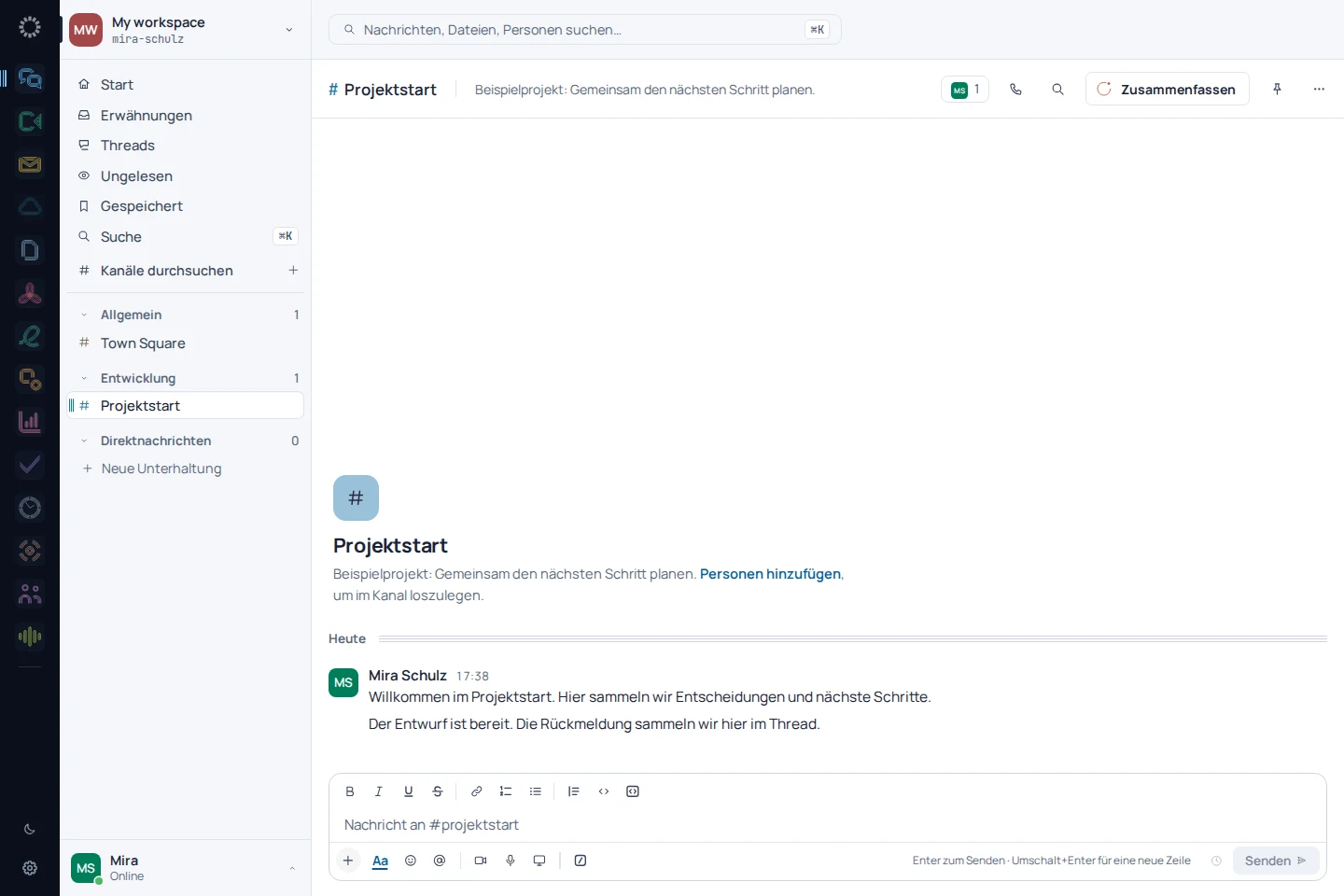
Group discussions by topic and refer back to decisions where the work happens.
See the relevant workflow →EU Chat in everyday work
One place for the conversation and its context.
Group discussions by topic and refer back to decisions where the work happens.
See the relevant workflow →Keep questions and answers in the right channel instead of spreading knowledge across individual conversations.
See the relevant workflow →Use relevant channels and previous conversations as a starting point for the shared workspace.
See the relevant workflow →Step by step
Ask the question in the relevant project channel with the necessary context.
Keep replies and follow-up questions with the original message.
Return to the decision through search and the channel history.
Before getting started
When a reply relates to a specific message. The context is preserved while other topics continue in the channel.
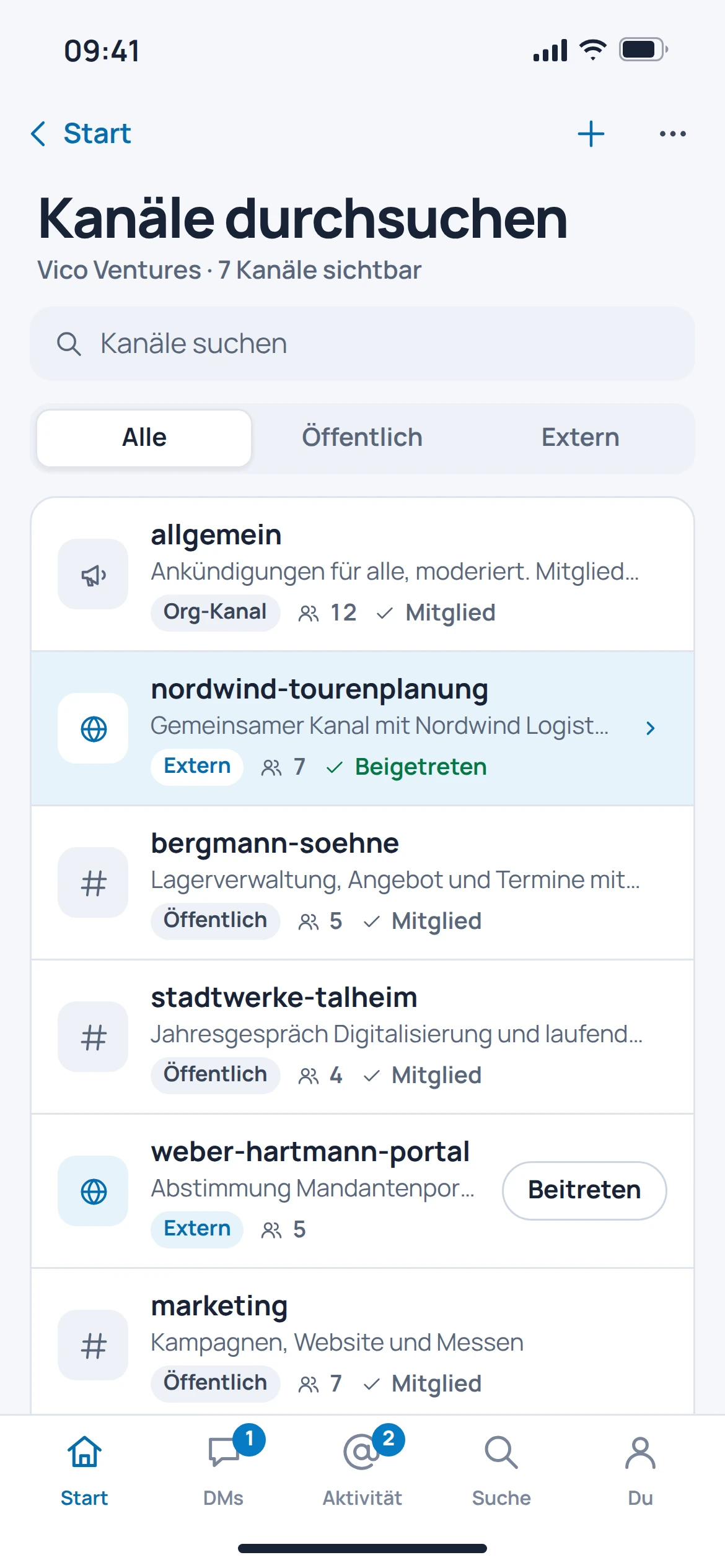
The documented search covers messages and files. The search view offers filters by person, channel and period.
Automatic imports from other providers are in preparation. Planning an export does not mean that a migration is already available.
Connections to other Suite products are planned. This page does not promise that automatic task creation is a consistently available feature.